

MacBook Freezing or Crashing: Fix It Yourself vs. Call a Pro (Honest Guide)
Your MacBook Keeps Freezing. Now What?
A MacBook that freezes or crashes repeatedly is not just annoying — it is actively destroying your productivity and, potentially, your data. The spinning beachball of death is Apple's way of telling you something is very wrong, and ignoring it will not make it go away.
Here is the real decision you are stuck on: Do you roll up your sleeves and fix it yourself, or do you hand it to someone who does this every day? Both paths are valid. Both have real costs. This guide puts them head-to-head across every criterion that actually matters so you can stop wasting time and make the right call.
The Two Options on the Table
- Option A — DIY Fixes: You work through a structured troubleshooting checklist yourself, using free tools and Apple's built-in utilities.
- Option B — Professional Repair: You bring the machine to a qualified technician (like us, at Campoverde Repair on the Costa Blanca) who diagnoses and resolves the root cause fast.
The Criteria We Are Judging On
- Speed — how quickly you get your Mac back
- Cost — what you actually spend
- Accuracy — how likely you are to find the real cause
- Risk — what could go wrong along the way
- Ease of use — how much technical knowledge is required
- Long-term reliability — will it freeze again in three months?

Speed: Who Gets You Back Up and Running Faster?
DIY Route
Expect to spend anywhere from two hours to two days on this. Running Apple Diagnostics, resetting NVRAM and SMC, booting into Safe Mode, checking Activity Monitor, reinstalling macOS — each step takes time and often reveals another question rather than an answer. If the cause turns out to be a failing SSD or bad RAM, you have just burned half a weekend to reach square one.
Professional Repair
A good technician runs hardware-level diagnostics in under 30 minutes and knows immediately whether the problem is software, thermal, storage, or memory. At Campoverde Repair, most freeze-and-crash cases are diagnosed same day. Turnaround on common fixes is typically 24–48 hours.
Winner: Professional Repair. Time is money, especially if this is your work machine.
Cost: What Does Each Option Actually Hit Your Wallet For?
DIY Route
On the surface, DIY looks free. But "free" is misleading. If you need a USB drive to reinstall macOS, a backup drive if you do not already have one, and third-party diagnostic apps like TechTool Pro or DiskWarrior — you are already looking at €30–€100 before you have fixed anything. And if you accidentally wipe data you needed, recovery costs can be brutal: €200–€500 is not unusual.
Professional Repair
A professional diagnosis at a reputable local shop typically costs €30–€60. A software fix (corrupt OS, runaway processes, malware cleanup) runs €60–€120. Hardware fixes — replacing thermal paste, upgrading RAM where possible, or swapping an SSD — run €80–€250 depending on the model. You pay for certainty, not guesswork.
Winner: DIY — but only if the fix is simple software-level and you do not make it worse. For anything hardware-related, a professional is almost always cheaper when you factor in the cost of mistakes.
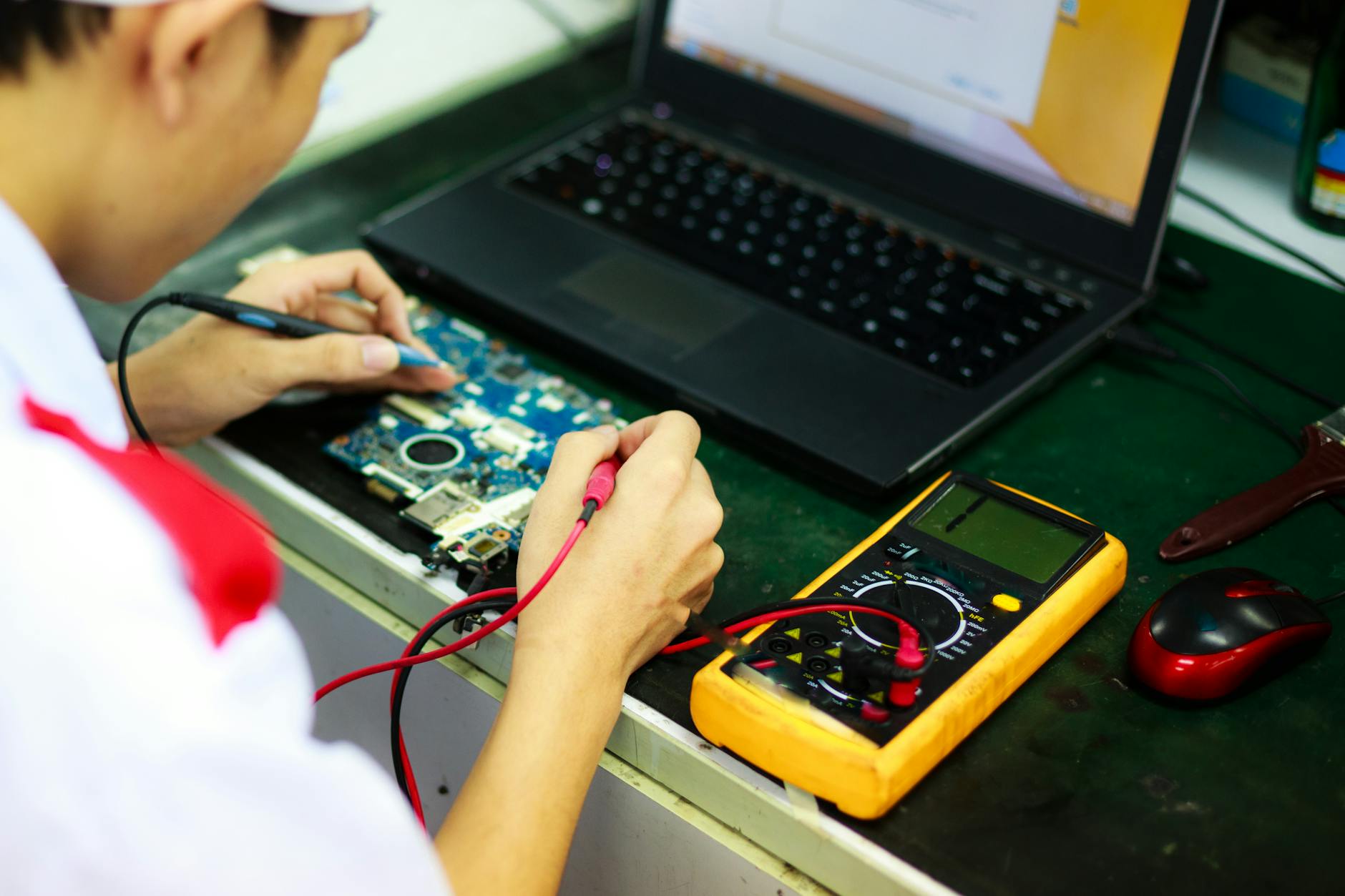
Accuracy: Who Actually Finds the Real Problem?
DIY Route
Most freeze-and-crash guides online tell you to reset NVRAM, clear caches, and reinstall macOS. That fixes roughly 30% of cases. The other 70% — failing NVMe drives, overheating CPUs due to dried-out thermal paste, swollen batteries pressing on the logic board, failing RAM — require hardware diagnostics that go beyond what Apple's built-in tools show you. You can spend three days chasing software ghosts while your SSD quietly dies.
Professional Repair
Professional technicians use tools like Apple Service Diagnostics (AST 2), dedicated SSD health monitors, and thermal cameras to find what consumer tools miss. At Campoverde Repair, we see MacBooks come in after three rounds of "reinstall macOS and see if it helps" — and the answer is almost always hardware. A failing drive, clogged fan, or a battery pushing 1,200+ charge cycles and swelling internally. None of that shows up on a basic system report.
Winner: Professional Repair — by a landslide. The most common causes of MacBook freezes are hardware, and hardware diagnosis requires hardware tools.
Risk: What Could Go Wrong?
DIY Route
The risks are real and they stack up fast:
- Deleting files during a "clean reinstall" without a proper backup
- Corrupting the boot partition mid-repair if the drive is already failing
- Missing a swollen battery — which is a fire hazard, not just a performance issue
- Applying the wrong SMC reset sequence for your specific MacBook model
- Making the problem intermittent rather than fixed, so it comes back at the worst possible moment
Professional Repair
Risks exist here too — a bad shop can make things worse, overcharge, or fit non-genuine parts that fail in six months. That is why you choose local and verified, not a chain store with a teenager on commission. At Campoverde Repair, we back our work with a written guarantee. If it breaks again for the same reason within 90 days, we fix it at no charge.
Winner: Professional Repair — provided you choose a trustworthy technician and not the cheapest quote on Facebook Marketplace.
Ease of Use: How Much Do You Actually Need to Know?
DIY Route
Comfortable with Terminal? Know the difference between APFS and HFS+? Understand what a kernel panic log tells you? Then DIY is genuinely accessible for software-layer problems. If those words mean nothing to you, the learning curve is steep and the margin for error is high. "My neighbour's son is good with computers" is not a qualification.
Professional Repair
You describe the symptoms, hand over the Mac, and go have a coffee. That is the entire effort required on your part. For expats on the Costa Blanca who do not speak fluent Spanish, working with an English-speaking local technician removes every language barrier that makes dealing with big Spanish chains painful.
Winner: Professional Repair — zero learning curve, zero language stress.
Long-Term Reliability: Will It Freeze Again?
DIY Route
If you hit the right fix first time — great. But most DIY attempts address symptoms rather than root causes. Clearing caches and reinstalling macOS does not fix a drive that has 50,000 hours on it. The freeze will return, often at a worse moment and with more data at stake.
Professional Repair
A proper hardware diagnosis identifies not just what failed, but what is about to fail. At Campoverde Repair, we do not just fix the crash — we tell you that your battery is at 87% health and your SSD has 12% life left. You leave knowing exactly what you are working with, not hoping it does not happen again.
Winner: Professional Repair — because fixing the symptom is not the same as fixing the machine.
Who Should Choose Which?
Go the DIY Route If:
- Your Mac only started freezing after installing a specific app or macOS update
- It runs fine in Safe Mode, which strongly points to a software conflict
- You have a full Time Machine backup and are comfortable with Terminal
- The machine is less than two years old and still under AppleCare
- You want to rule out software causes before spending money
Go Professional If:
- The freezes are random, with no obvious trigger (hardware signature)
- You hear clicking, grinding, or the fan running flat-out constantly
- The Mac is three or more years old
- You get kernel panic logs referencing memory or storage errors
- You cannot afford to lose what is on the drive
- You have already tried reinstalling macOS and it still crashes
Verdict: Pick One, Not Both
Pick DIY if the freeze started after a software change, the machine boots fine in Safe Mode, and you have a current backup. Spend one afternoon working through a clean macOS reinstall and a cache/login item cleanup. If it is not fixed in three hours, stop — you are chasing the wrong thing.
Pick professional repair if the crashes are random, hardware-related, or if this MacBook is anything more than a toy to you. The cost of a professional diagnosis is a fraction of the cost of data recovery or a new machine. On the Costa Blanca, you do not need to drive to Alicante or deal with a shop that quotes in riddles — Campoverde Repair handles exactly this kind of problem, in English, with a straight answer and a fair price.
The spinning beachball is not a mystery. It is a warning. The only question is whether you want to gamble on finding the answer yourself, or get it confirmed by someone who has seen this exact failure mode 200 times before.
Key Takeaways
- 70% of MacBook freeze cases are hardware-related — failing SSDs, overheating, or swollen batteries — not software bugs.
- DIY fixes are only reliable when the problem started after a specific software change and the Mac runs clean in Safe Mode.
- Professional diagnosis typically takes under 30 minutes and costs €30–€60 — far less than the cost of a data recovery from a failed drive.
- Clearing caches and reinstalling macOS does not fix dying hardware; it just delays the inevitable crash.
- On the Costa Blanca, Campoverde Repair offers English-language Mac diagnosis and repair with a 90-day guarantee — no chain-store runaround, no vague estimates.
Frequently asked questions
Why does my MacBook keep freezing randomly?
Random, trigger-free freezes on a MacBook almost always point to hardware — a failing SSD, overheating due to clogged fans or dried thermal paste, or a swollen battery pressing on internal components. Software crashes usually have a pattern, like freezing only in a specific app or after a macOS update. If the problem is random, get a hardware diagnostic before spending time on software fixes.
Does resetting NVRAM or SMC fix MacBook freezing?
NVRAM and SMC resets fix a narrow set of issues related to display settings, startup disk selection, and power management behaviour. They do not fix corrupt files, failing drives, or hardware faults. If your MacBook is still freezing after an SMC and NVRAM reset, the cause is almost certainly something else — usually storage or thermal.
How much does it cost to fix a freezing MacBook at a repair shop?
A professional diagnosis typically costs €30–€60. Software fixes such as malware removal or a clean macOS reinstall run €60–€120. Hardware repairs — thermal paste replacement, SSD upgrade, or battery swap — range from €80 to €250 depending on the MacBook model and parts required. Always ask for a written quote before authorising any work.
Can a full SSD cause a MacBook to freeze?
Yes — when an SSD is over 90% full, macOS struggles to create the temporary swap files it needs to function, causing severe slowdowns and freezes. But a dying SSD with bad sectors causes the same symptoms even when it has plenty of free space. Check both storage capacity and drive health using a tool like DriveDx or have a technician run a proper S.M.A.R.T. test.
Is it worth repairing an old MacBook that keeps crashing, or should I buy a new one?
A MacBook that is 3–6 years old and crashing due to a failed SSD or dead battery is almost always worth repairing — parts and labour typically cost €100–€250, a fraction of a new machine's price. A MacBook over 7–8 years old with a failing logic board is a harder call; get a diagnosis first so you know exactly what you are dealing with before deciding.
Computer trouble on the Costa Blanca?
30+ years of repair experience — on-site within 30 km and remote worldwide. Tell me what's wrong and I'll sort it.
Get help now →Photos via Pexels