

How to Stop Your iPhone Overheating in the Spanish Summer Heat
Your iPhone is not built for a Costa Blanca summer. Apple's own documentation says the device operates safely between 0°C and 35°C — and out here, we regularly hit 42°C in the shade. When your phone overheats, it's not just uncomfortable; it permanently damages the battery, throttles performance, and in rare cases, causes hardware failure that no amount of warranty small-print will cover. Here's the blunt truth and what you can actually do about it.
Direct Sunlight Is the Real Killer — Not the Air Temperature
Most people blame the ambient heat when their iPhone shuts down on the beach. Wrong target. Solar radiation on a dark phone surface can raise the device temperature 15–20°C above air temperature within minutes. A 38°C day with your black iPhone sitting screen-up on a sunlounger? You're looking at 55–58°C on the chassis. That's not a heatwave problem — that's a placement problem.
- Never leave your iPhone face-up in direct sun. Even a 10-minute conversation while standing in full sunlight is enough to trigger the overheat warning.
- Light-coloured cases help more than you think. A white or reflective case can knock 5–8°C off the surface temperature compared to a black one. It's not stylish advice, but it's physics.
- Bags and pockets are not safe either. A zipped bag sitting in the sun acts like a greenhouse. The inside temperature climbs faster than the outside.
- Car dashboards are the worst offenders. Interior car temperatures in Spain regularly exceed 70–80°C. One hour on a dashboard and your battery will never be the same again.
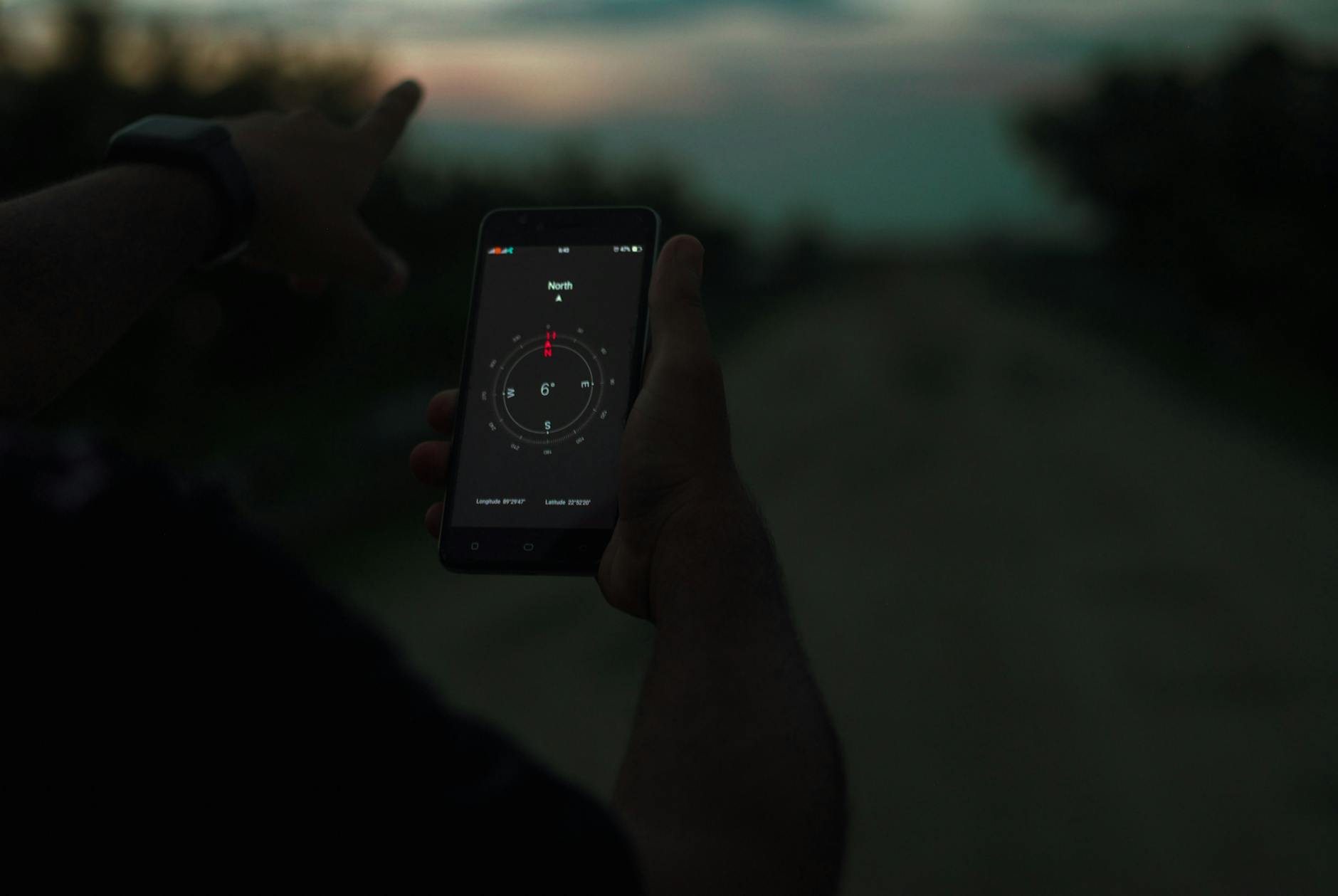
What Your iPhone Is Actually Doing When It Overheats
That orange temperature warning screen isn't cosmetic. Your iPhone has triggered a self-preservation protocol — and understanding it helps you respond correctly instead of making things worse.
At around 40°C internal temperature, iOS begins throttling the CPU. Apps slow down, GPS becomes unreliable, and the camera may refuse to work. Above ~45°C, the phone shuts off entirely to prevent permanent damage. The battery, in particular, suffers: lithium-ion cells degrade significantly faster at high temperatures, and repeated heat exposure can cut your battery's maximum capacity by 20–30% over a single summer if you're not careful.
- Stop charging it when it's already hot. Charging generates its own heat. Plugging a hot phone into a charger is like running a marathon and then jumping into a sauna — the body (battery) pays the price.
- Remove the case when it overheats. Cases trap heat. If your iPhone is already hot, taking the case off lets it dissipate heat faster through the aluminium or titanium chassis.
- Don't put it in the freezer. Rapid temperature changes cause condensation inside the device. Go from 42°C to 4°C and you've just introduced moisture to a sealed electronics package. The cure becomes the disease.
- A cool (not cold) surface works. Set it on a marble countertop, a ceramic tile, or in an air-conditioned room. Let it cool down gradually — 10 to 15 minutes is usually enough to get below the danger threshold.
The Apps and Settings Draining Heat From the Inside Out
Hardware heat is only half the story. Software is generating heat from the inside while the sun attacks from the outside — and together they push your device past its limits far faster than either would alone.
Turn Off What You Don't Need
- Background App Refresh: Go to Settings → General → Background App Refresh and turn it off globally, or kill it per-app. It keeps apps running silently in the background, burning CPU cycles and generating heat you never asked for.
- Location Services: GPS is a significant heat generator. Settings → Privacy & Security → Location Services. Set most apps to "While Using" — not "Always."
- High-Performance Mode features: Shooting ProRes video, running AR apps, or live-streaming on a hot day is asking your iPhone to sprint uphill in a heatwave. Save it for indoors.
- Screen brightness: Full brightness on an OLED display generates real heat. Drop it to 60–70% when you're outside — your eyes adjust within seconds and your phone thanks you.
Low Power Mode Is Your Summer Friend
Activating Low Power Mode (Settings → Battery → Low Power Mode) doesn't just save battery life — it reduces CPU usage, dims the screen, and cuts background processes. In summer heat, Low Power Mode is a thermal management tool as much as an energy-saving one. Use it proactively, not just when you hit 20% battery.
But Wait — Doesn't Apple Design These Phones for Global Use?
Fair point, and worth answering honestly. Yes, Apple sells iPhones in Dubai, Phoenix, and Singapore — places that are arguably hotter than Torrevieja in August. The counter-argument is real: the phone should handle heat better than it does.
Here's the nuance: Apple designs for ambient air temperature, not for direct solar radiation combined with software-intensive tasks. A tourist filming a beach video, with GPS active, Bluetooth on, mobile data streaming, and the phone sitting in full sun — that combination generates heat from six directions simultaneously. No consumer smartphone is engineered for that cocktail.
Also worth noting: iPhones sold in Spain haven't been optimized for the Costa Blanca microclimate. If your battery health is already below 80%, your phone's thermal tolerance drops dramatically. An older battery fails in heat that a new one shrugs off. That's not a design flaw — it's physics and chemistry. But it does mean the "Apple should fix this" argument only goes so far.
Key Takeaways
- Direct sunlight is more dangerous than air temperature — keep your iPhone in the shade, not face-up on a sunbed.
- Never charge a hot iPhone — wait until it cools down before plugging in, or you're accelerating battery degradation.
- Remove the case when overheating — it's trapping heat that the chassis could otherwise dissipate.
- Software kills from inside — disable Background App Refresh, limit Location Services, and use Low Power Mode proactively in summer.
- If your battery health is below 80%, your phone is already heat-vulnerable — a battery replacement before next summer is money well spent, not a luxury.
The Spanish summer is brutal and it will always win a straight fight with your iPhone. But with the right habits, you can stop your phone from becoming a casualty of August. And if it's already been damaged — battery swollen, capacity gutted, performance throttled — bring it to us at Campoverde Repair before you shell out for a brand-new handset you probably don't need yet.
Frequently asked questions
Why does my iPhone show a temperature warning in Spain?
Apple's iPhones are designed to operate safely up to 35°C. In Spain, ambient temperatures regularly exceed this, and direct sunlight can push the device surface to 55°C or more within minutes. When the internal temperature crosses a safe threshold, iOS displays a temperature warning and disables most functions to prevent permanent damage.
Does heat permanently damage an iPhone battery?
Yes. Lithium-ion batteries degrade significantly faster at high temperatures, and repeated heat exposure can reduce maximum battery capacity by 20–30% over a single summer. Once battery capacity is lost, it cannot be recovered — the only fix is a battery replacement.
Can I cool down an overheating iPhone quickly?
Move it to a shaded, air-conditioned space and remove the case so heat can escape through the chassis. Never put it in a freezer or fridge — rapid temperature drops cause condensation inside the device, which is a separate and serious problem. A cool marble surface or ceramic tile is a safe, effective option.
Should I charge my iPhone when it's hot?
No. Charging generates additional heat, and combining that with an already-hot device accelerates battery degradation significantly. Wait until the phone has cooled down to a normal temperature before plugging it in, and avoid using fast chargers in hot conditions.
Which iPhone settings should I change in hot weather?
Turn off Background App Refresh, set Location Services to 'While Using' rather than 'Always', reduce screen brightness to around 60–70%, and activate Low Power Mode proactively. These changes reduce internal heat generation from software, which compounds the external heat problem in summer.
Computer trouble on the Costa Blanca?
30+ years of repair experience — on-site within 30 km and remote worldwide. Tell me what's wrong and I'll sort it.
Get help now →Photos via Pexels