

How to Set Up Two-Factor Authentication on Your Most Important Accounts (And Why You Need It Now)
Your Password Alone Is Already Compromised — Here's the Fix
Two-factor authentication (2FA) is a security method that requires you to prove your identity in two separate ways before accessing an account — typically something you know (your password) and something you have (a code, device, or physical key). If your password leaks in a data breach — and statistically, at least one of yours already has — 2FA is the only thing standing between a criminal and your bank account, your email, and everything connected to them. There are seven key accounts and methods you need to lock down right now, and this guide walks you through every single one.
This list is for expats on the Costa Blanca, small business owners, and anyone who has ever used the same password on more than one site (you know who you are). We fix the aftermath of hacked accounts every week at Campoverde Repair. It is expensive, embarrassing, and almost always preventable. So let's prevent it.
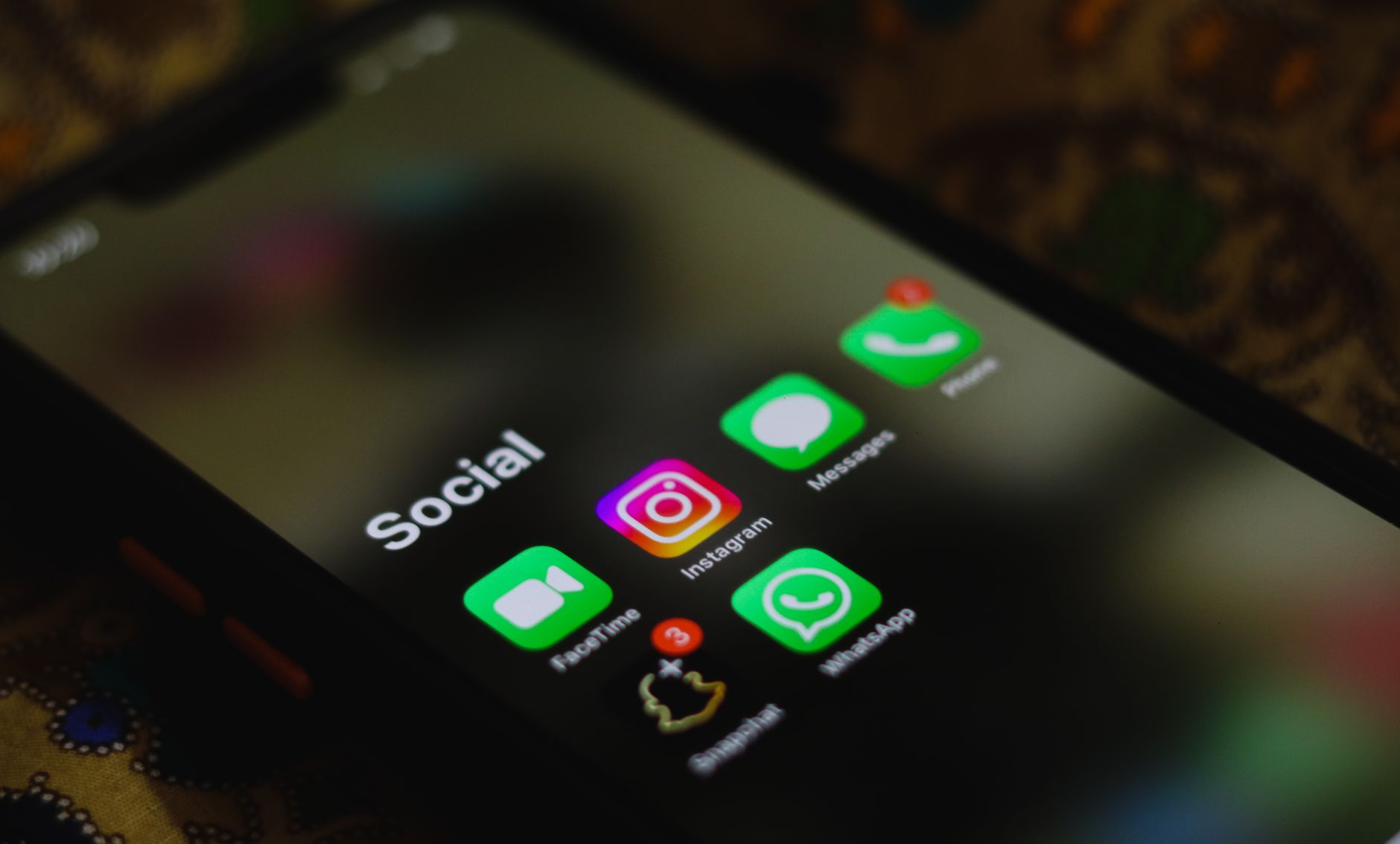
The 7 Accounts and Methods You Must Secure with 2FA — Ranked by Risk
1. Your Email Account — The Master Key to Everything Else
Every "forgot my password?" link on every other platform gets sent to your email. If a criminal owns your inbox, they own your entire digital life within minutes. Go to your Gmail, Outlook, or Apple Mail account settings right now, find "Security," and enable 2-step verification using an authenticator app — not SMS if you can avoid it. Gmail alone reports that adding 2FA blocks 99.9% of automated account attacks.
2. Your Online Banking and Payment Apps — Where It Hurts Most
Spanish banks like CaixaBank, BBVA, and Santander all support some form of 2FA, usually through their own app or a one-time SMS code. Log into your banking app or web portal, go to security settings, and make sure transaction confirmations require a second step. If your bank only offers SMS codes — better than nothing, but call them and ask whether their app-based authentication is available, because SIM-swap fraud is a real and growing threat on the Costa Blanca.
3. Google and Apple ID — The Spine of Your Digital Identity
Your Google or Apple account controls your phone backups, your photos, your contacts, and often your payment methods. For Google, visit myaccount.google.com → Security → 2-Step Verification and add Google Prompt or an authenticator app. For Apple ID, go to Settings → [Your Name] → Password & Security → Two-Factor Authentication. Once enabled, any new device sign-in requires approval from a trusted device — a criminal on the other side of the world gets nothing.
4. WhatsApp and Telegram — Your Private Conversations Are a Target
Account hijacking on WhatsApp is rampant here on the Costa Blanca — someone calls pretending to be a friend, asks you to forward a six-digit code "by mistake," and within seconds they've taken over your account and are scamming everyone in your contacts. In WhatsApp, go to Settings → Account → Two-step verification and set a six-digit PIN. In Telegram, go to Settings → Privacy and Security → Two-Step Verification. Takes three minutes. Saves you from a very awkward group chat.
5. Facebook and Instagram — Social Accounts Are Worth Money on the Black Market
Hackers sell access to established social media accounts for surprisingly large sums — your decade-old Facebook profile with 500 friends is a ready-made scam platform. Go to Facebook Settings → Security and Login → Two-Factor Authentication and choose an authenticator app. For Instagram, it's under Settings → Security → Two-Factor Authentication. Use an authenticator app rather than SMS here — Meta's SMS delivery has been unreliable in Spain, and you do not want to be locked out while trying to recover a hacked account.
6. An Authenticator App Itself — Your 2FA Needs Its Own Protection
This one surprises people. Apps like Google Authenticator, Authy, or Microsoft Authenticator generate the time-based codes used for 2FA — but if you lose your phone and haven't backed them up, you're locked out of everything simultaneously. Authy is our recommendation because it supports encrypted cloud backup and multi-device sync. Set it up, enable backups with a strong password, and write that backup password down and store it somewhere physical and safe. Yes, actual paper. Old school works.
7. A Hardware Security Key — The Nuclear Option for High-Risk Users
If you run a business, manage payroll, or handle client data, consider a physical hardware key like a YubiKey (available from Amazon Spain for around €50–€70). You plug it into a USB port or tap it to your phone, and without that physical object, nobody gets in — full stop. No code to intercept, no SIM to clone, no phishing page that works. Google's own internal security team moved to hardware keys and reported zero successful phishing attacks on staff accounts since. That number says everything.
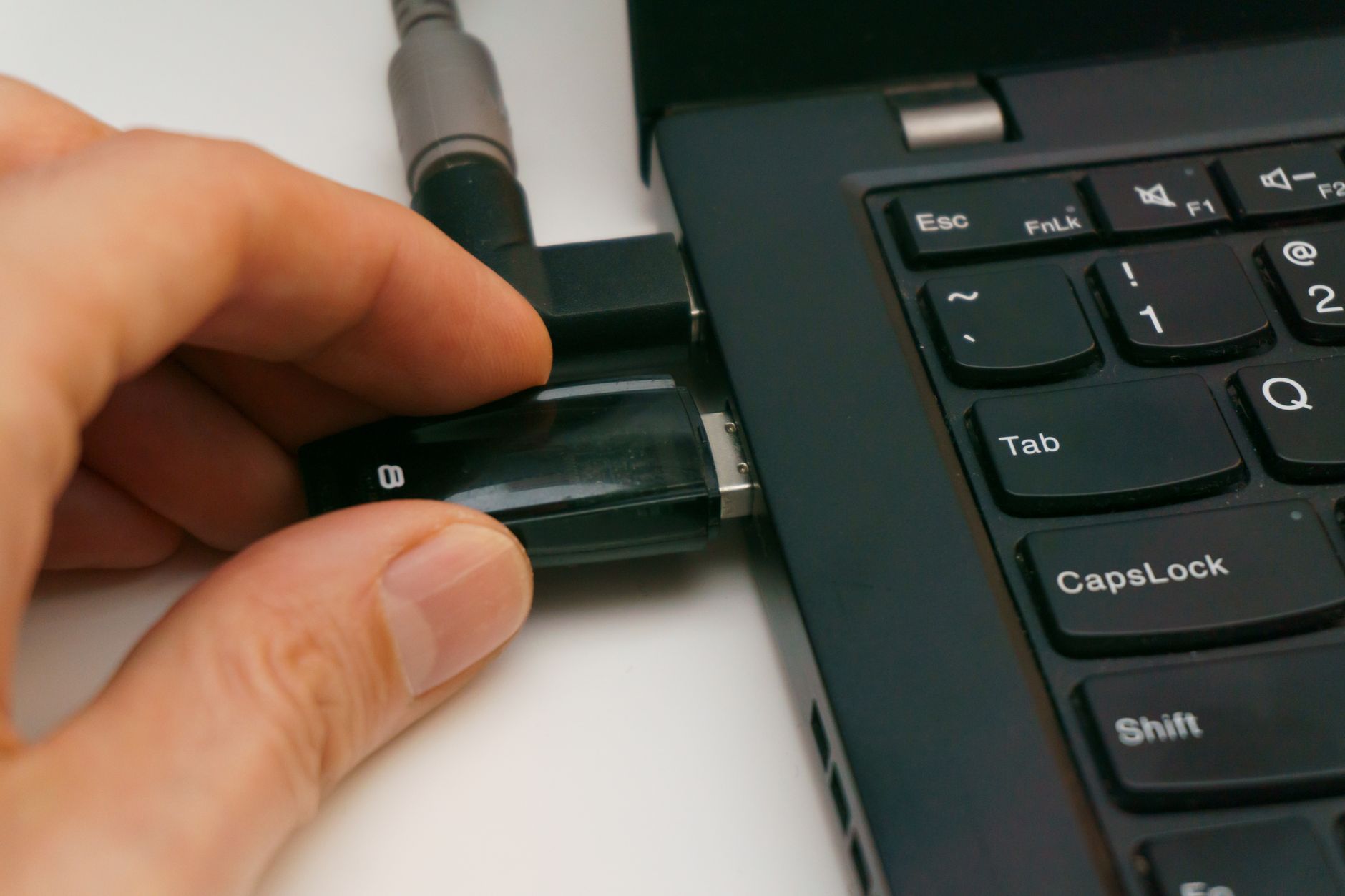
How We Chose This List — And How You Should Prioritise
We ranked these accounts and methods based on three factors we see play out in real support calls and recovery jobs every month: how much damage a breach causes, how frequently that account type is targeted, and how easy the 2FA setup actually is for a non-technical user. We deliberately left out niche platforms and focused on what the overwhelming majority of Costa Blanca residents — expat or local — actually use daily.
Here is how to prioritise if you're starting from zero:
- Do email first. Everything else is downstream of it.
- Do banking second. Financial damage is the hardest to reverse.
- Do WhatsApp third. Social engineering via WhatsApp hijacking is endemic in this region specifically.
- Install an authenticator app before you do any of the above — it makes every other step easier and more secure.
- Avoid SMS-only 2FA where possible. It is far better than nothing, but SIM-swap fraud bypasses it entirely.
One honest warning: setting up 2FA does mean you need your phone (or backup codes) whenever you log in from a new device. Save your backup codes. Print them. Keep them in a drawer. Losing access to a 2FA-protected account without backup codes is one of the most painful and time-consuming recovery jobs we handle — and we charge for the time, because it takes hours.
Key Takeaways
- Two-factor authentication blocks over 99% of automated credential attacks — it is the single highest-impact security step any normal person can take.
- Your email account is the highest-priority target because it controls password resets for everything else you own online.
- SMS-based 2FA is better than nothing, but authenticator apps are significantly more secure — use Authy or Google Authenticator wherever possible.
- WhatsApp account hijacking is a specific and growing problem on the Costa Blanca — enabling WhatsApp's two-step verification PIN takes under three minutes.
- Always save your backup codes when setting up 2FA — losing them means potentially losing access to your account permanently.
For most people reading this — expats, retirees, small business owners, families managing everything through one Gmail account — start with your email, install Authy, and work through this list over one afternoon. If you get stuck, you know where we are. We're in Campoverde, and we don't charge you for a fifteen-minute conversation that saves you from a very bad week.
Frequently asked questions
What is two-factor authentication and how does it work?
Two-factor authentication (2FA) is a security process that requires you to verify your identity in two different ways — typically your password plus a one-time code sent to your phone or generated by an app. Even if someone steals your password, they cannot access your account without that second factor. It is the most effective single step a regular user can take to prevent account hijacking.
Is SMS two-factor authentication safe enough?
SMS-based 2FA is significantly better than using a password alone, but it is vulnerable to SIM-swap attacks, where a criminal tricks your mobile carrier into transferring your phone number to their SIM card. Authenticator apps like Authy or Google Authenticator generate codes locally on your device and are not vulnerable to this type of attack. Whenever a platform offers an app-based option, choose it over SMS.
What happens if I lose my phone and I have two-factor authentication enabled?
If you lose your phone without backup codes saved, recovering access to 2FA-protected accounts can be a lengthy and difficult process. Most platforms provide backup codes when you first enable 2FA — print these out and store them somewhere safe. Using an app like Authy, which supports encrypted cloud backup, also means your authenticator codes can be restored on a new device.
Which accounts should I protect with 2FA first?
Your email account should be your absolute first priority, because password reset links for every other account are sent there — giving an attacker access to your inbox effectively hands them your entire digital life. After email, secure your banking apps and then your Google or Apple ID. WhatsApp is also a high-priority target, particularly on the Costa Blanca where account hijacking scams are increasingly common.
What is a hardware security key and do I need one?
A hardware security key, such as a YubiKey, is a physical USB or NFC device that you must have in your possession to log into a protected account — making phishing and remote attacks virtually impossible. They cost between €50–€70 and are most valuable for business owners, people who handle financial data, or anyone who manages accounts for multiple users. For the average home user, an authenticator app provides excellent protection without the added cost.
Computer trouble on the Costa Blanca?
30+ years of repair experience — on-site within 30 km and remote worldwide. Tell me what's wrong and I'll sort it.
Get help now →Photos via Pexels