
How to Clean and Maintain Your Laptop in Spain's Dusty Climate (And Make It Last Years Longer)
Spain's Dust Is Actively Killing Your Laptop — and Most People Do Nothing About It
Living on the Costa Blanca is brilliant right up until your laptop sounds like a hairdryer and shuts itself down mid-Zoom call. Spain's climate — dry air, Saharan dust, and that fine red polvo that coats everything — is one of the most hostile environments a laptop can live in. Ignore it long enough and you're not looking at a cleaning job, you're looking at a €600 replacement.
Our position is blunt: regular physical maintenance of your laptop is the single highest-return action you can take to protect your tech investment — more than any antivirus subscription, more than any surge protector, more than asking your "friend who's good with computers" to have a look. Here's why, and exactly what you should be doing.
Dust Doesn't Just Accumulate — It Throttles Performance and Burns Components
Most people think dust is cosmetic. It isn't. When dust packs into your laptop's cooling vents and fan blades, it acts as insulation — trapping heat directly against the processor and GPU. Modern laptops are designed to throttle their own performance when temperatures spike, meaning your machine deliberately slows itself down to avoid a meltdown. That's why your two-year-old laptop feels sluggish. It's not old age. It's choking.
In Spain, this problem is amplified. The combination of high ambient temperatures and fine mineral dust means the build-up happens faster than it does in northern Europe. A laptop in Manchester might need a clean once a year. That same laptop in Torrevieja? Every four to six months is closer to the truth.
Left unchecked, sustained high temperatures kill the thermal paste between your CPU and heatsink, degrade the battery faster, and eventually cause solder joints on the motherboard to crack. What started as a €15 cleaning job becomes a €200 repair — or a write-off.
The Maintenance Routine That Actually Works — No Engineering Degree Required
Here's what a proper laptop maintenance routine looks like in a Spanish climate. Do this consistently and you'll add years to the lifespan of your machine.
Every Month: The External Wipe-Down
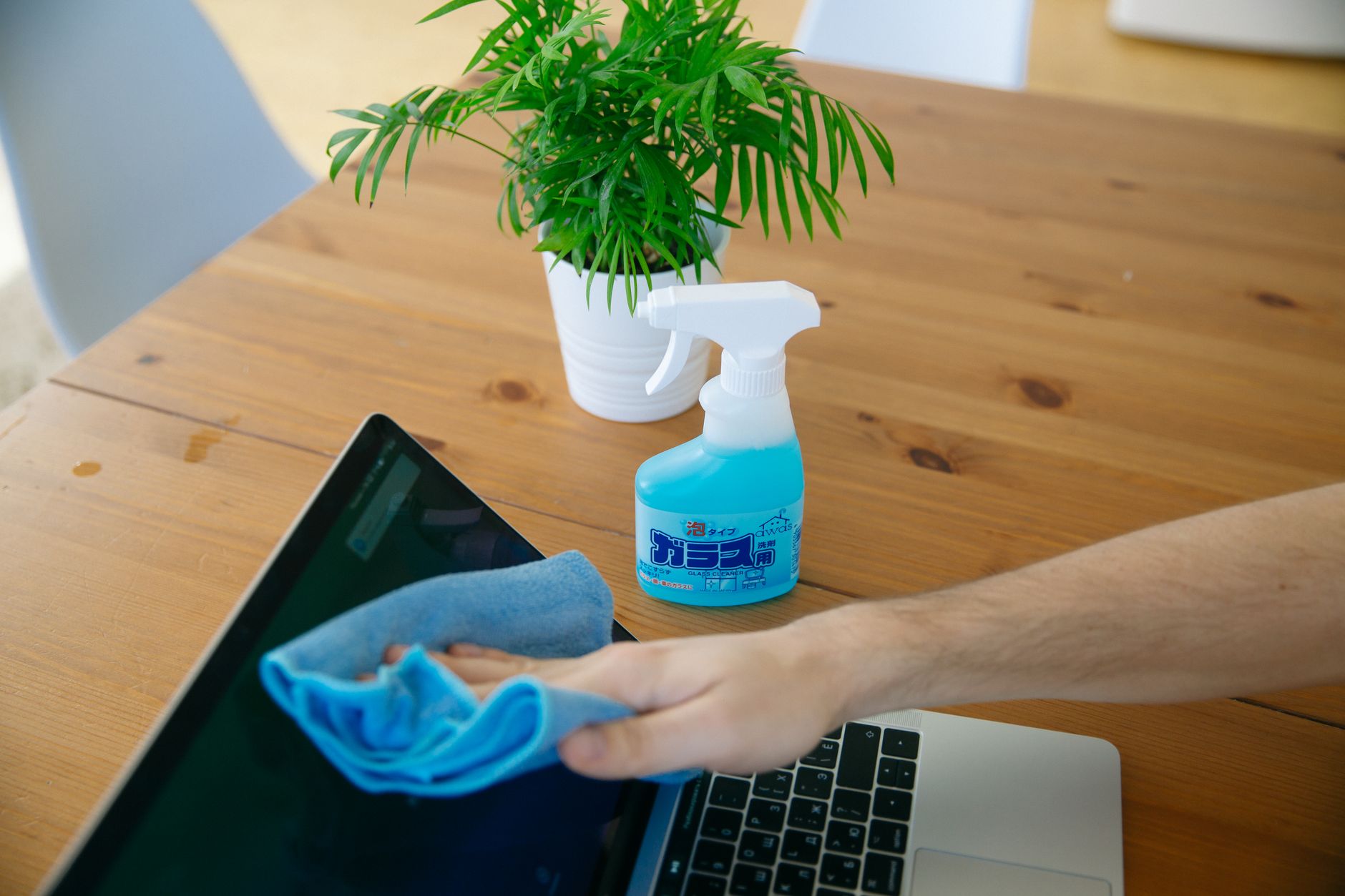
- Use a dry microfibre cloth on the screen — never household spray cleaners, which leave residue and can damage anti-glare coatings.
- Clean the keyboard with a soft brush or a quick burst of compressed air held at an angle — never straight down, which pushes debris further in.
- Wipe the vents on the underside and sides with a dry cloth or soft brush. You'll be amazed what comes out.
Every Four to Six Months: The Internal Clean
- Compressed air is your weapon of choice. Use short bursts — two to three seconds — rather than long continuous blasts. Hold the fan blade still with a toothpick or similar when blasting, otherwise the fan spins too fast and can damage its bearings.
- Work in a well-ventilated space or outdoors. You are essentially ejecting a cloud of compacted Spanish dust — you don't want to breathe it or let it settle on other equipment.
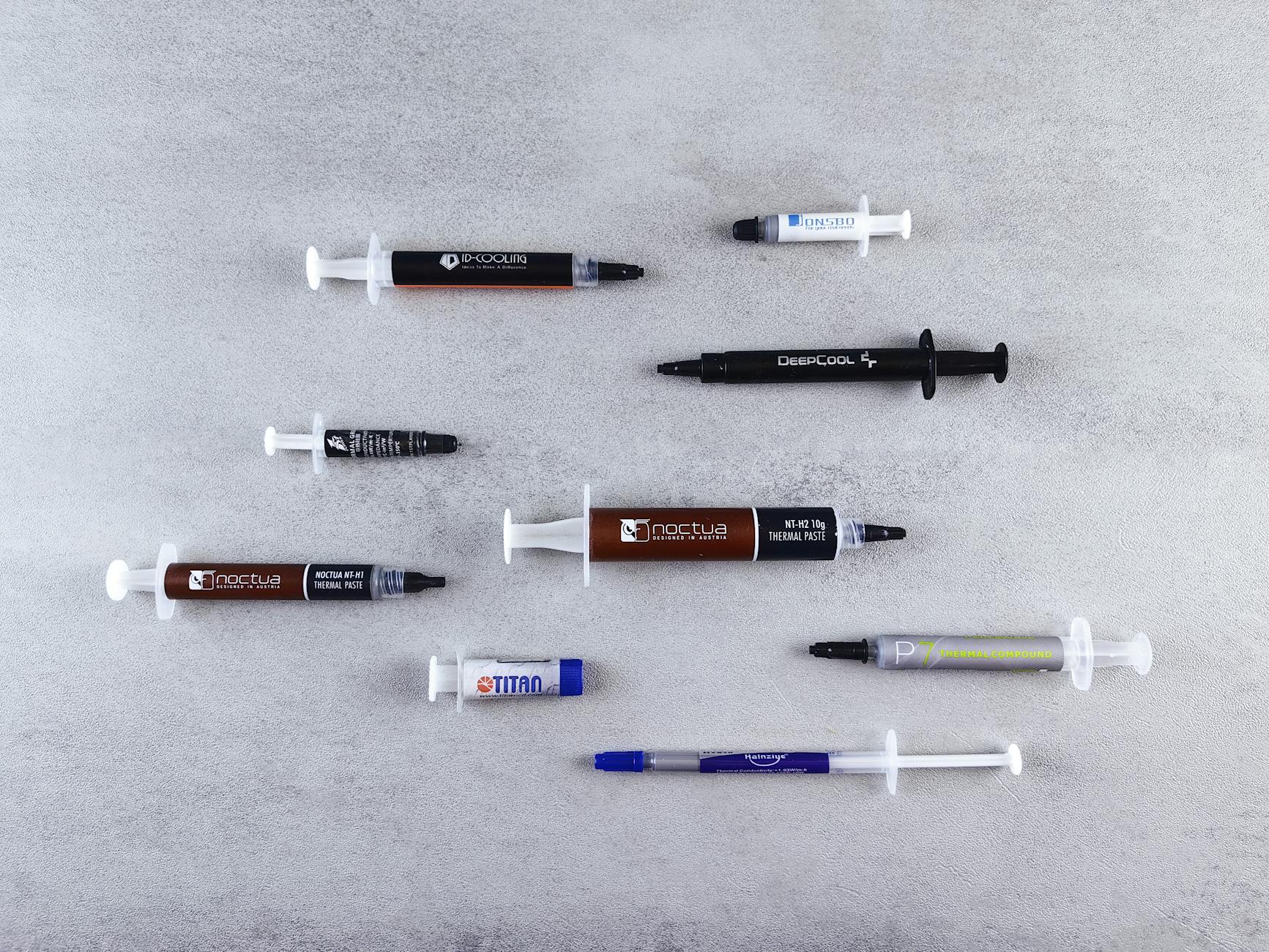
- If your laptop is older than three years, this is also the point at which you should seriously consider replacing the thermal paste. It dries out, cracks, and loses its conductivity. New thermal paste can drop CPU temperatures by 15–20°C — that's the difference between thermal throttling and full performance.
Every Year: The Deeper Service
- Have the internal components inspected and cleaned professionally. Not because you can't do it yourself, but because a trained eye catches early signs of component stress — bulging batteries, corroded contacts, loose heatsink mounts — before they become failures.
- Check your battery health. On Windows, run
powercfg /batteryreportin Command Prompt. If your full charge capacity is below 60% of design capacity, a battery replacement is cheaper than the frustration.

The Counter-Argument: "My Laptop Has Been Fine for Years Without Any of This"
Fair point — and it deserves an honest answer. Some laptops are more tolerant than others. Business-grade machines (ThinkPads, Dell Latitudes, HP EliteBooks) are engineered with better cooling and more accessible service panels. Consumer ultrabooks and budget laptops are not. If yours has survived three Costa Blanca summers without a clean, one of three things is true: you're lucky, the machine is genuinely well-built, or the damage is already happening and you just haven't noticed yet.
Thermal throttling is silent. Your laptop doesn't flash a warning light when it's running 20°C hotter than it should. It just gets slower and quieter about dying. The first time most people notice something is wrong is when the fan sounds like a distant lawnmower, or when the machine crashes on a hot day. By that point, the thermal paste is long gone and the fan bearings may already be compromised.
So yes — some laptops will survive neglect longer than others. But you're gambling with a device that probably cost you between €400 and €1,500. The house usually wins that bet.
A Practical Position, Honestly Restated
Regular laptop maintenance in Spain's climate isn't optional if you want your machine to last. It's the difference between five years of reliable use and two years of declining performance followed by an expensive panic-buy. The routine itself costs almost nothing — a can of compressed air, a microfibre cloth, and an hour every few months. The professional annual service costs less than a single component replacement.
We'll acknowledge the nuance: if you own a high-end business laptop and use it lightly, you have more margin for error. But "more margin" doesn't mean "infinite margin." Spain's dust doesn't care about your laptop's build quality. It gets in everywhere.
The chain stores won't tell you this because they'd rather sell you a new one. Your "friend who's good with computers" probably hasn't thought about thermal paste since 2015. We're telling you because we've seen hundreds of laptops come through our workshop that could have lasted years longer with nothing but a cleaning routine and a tube of thermal compound.
Key Takeaways
- Spain's dry, dusty climate accelerates laptop degradation — laptops here need cleaning every four to six months, not once a year.
- Dust causes heat, heat causes throttling, throttling causes premature component failure — it's a chain reaction that starts silently.
- Compressed air + held fan blades + short bursts is the correct internal cleaning technique; long blasts and fan-spinning damage bearings.
- Thermal paste should be replaced on laptops older than three years — a fresh application can cut CPU temperatures by 15–20°C.
- An annual professional inspection costs a fraction of a motherboard repair — maintenance is always cheaper than emergency repair.
Frequently asked questions
How often should I clean my laptop in Spain?
In Spain's dry, dusty climate — especially on the Costa Blanca — you should clean your laptop's vents and fans every four to six months. This is roughly twice as often as you'd need to in northern Europe, because the fine mineral dust here accumulates much faster and causes serious overheating if left unchecked.
Can dust really damage my laptop permanently?
Yes. Dust acts as insulation against your CPU and GPU, causing sustained high temperatures that degrade thermal paste, stress solder joints, and accelerate battery wear. Over time, this leads to permanent component failure — not just slowdowns. A laptop that overheats regularly can fail years before its expected lifespan.
How do I know if my laptop is overheating from dust?
The most common signs are a loud or constantly running fan, the laptop feeling very hot on the underside, performance that feels sluggish even on simple tasks, and unexpected shutdowns on warm days. You can also install free tools like HWMonitor or Core Temp to check your CPU temperature — anything consistently above 90°C at idle is a red flag.
Can I clean my laptop myself or do I need a professional?
External cleaning with a microfibre cloth and compressed air is safe for most people to do at home. Internal cleaning is also manageable if you're comfortable following a guide and using the correct technique. However, for tasks like replacing thermal paste or inspecting internal components, a professional service is recommended — especially if your laptop is still under warranty or is a complex ultrabook design.
What is thermal paste and why does it matter in a hot climate?
Thermal paste is a heat-conducting compound applied between your CPU and its heatsink that helps transfer heat away from the processor. In hot climates like Spain, it dries out and cracks faster than in cooler regions, reducing its effectiveness significantly. Replacing it on laptops older than three years can drop CPU temperatures by 15–20°C, restoring performance and protecting your hardware.
Computer trouble on the Costa Blanca?
30+ years of repair experience — on-site within 30 km and remote worldwide. Tell me what's wrong and I'll sort it.
Get help now →Photos via Pexels